
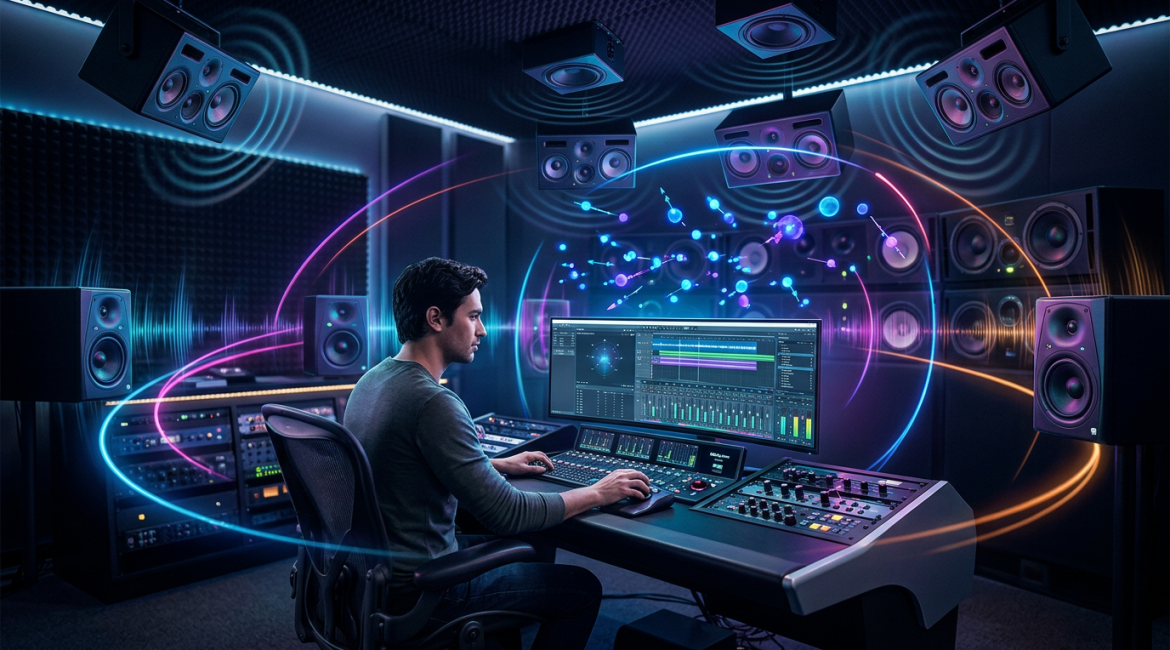
There was a time, not long ago, when surround sound was a luxury reserved for high-end home theaters and IMAX cinemas. For electronic music producers, the “stereo field” was the final frontier—panning left to right, managing phase, and carving out a hole in the center for the kick drum. But the landscape has shifted. With Apple Music, Amazon Music, and TIDAL going all-in on spatial audio, Dolby Atmos has officially moved from a niche experiment to a mainstream requirement.
For electronic music producers, this represents the most significant creative opportunity since the invention of the synthesizer. Spatial audio allows you to deconstruct your tracks and place the listener inside the rhythm. This guide will walk you through the practicalities of transitioning from stereo to the immersive world of Dolby Atmos.
Why Electronic Music is Perfect for Spatial Audio
Electronic music—whether it’s ambient, techno, or hyper-pop—is inherently experimental. Unlike a traditional rock band where the listener expects a stage-like orientation (drums center, guitars left/right), electronic music thrives on movement and synthetic textures. In a 7.1.4 Dolby Atmos environment, you aren’t just limited to a flat plane; you have height, depth, and 360 degrees of horizontal space.
- Unprecedented Clarity: By spreading elements across a 3D space, you reduce frequency masking, allowing each synth layer to breathe without heavy EQ carving.
- Enhanced Emotional Impact: Use “height” channels to create a sense of scale, making your build-ups feel physically larger before the drop.
- Future-Proofing: Streaming algorithms are increasingly prioritizing Atmos-enabled tracks for curated editorial playlists.
Getting Started: The Dolby Atmos Renderer
You no longer need a million-dollar studio to mix in Atmos. Most modern DAWs, including Logic Pro, Ableton Live (via Max for Live), and Pro Tools, now offer integrated Dolby Atmos workflows. The heart of the system is the Dolby Atmos Renderer.
In a stereo mix, you “burn” your sounds into a fixed two-channel file. In Atmos, you work with Bed tracks and Objects. Beds are traditional channel-based tracks (like a 7.1.2 base), while Objects are individual sounds assigned metadata that tells the listener’s system exactly where to place that sound in 3D space, regardless of their speaker setup.
Practical Mixing Strategies for Electronic Producers
1. The Foundation: Keeping the Low End Solid
In electronic music, the kick and sub-bass are sacred. In a spatial mix, it is generally best practice to keep your sub-frequencies and primary kick drum in the Bed channels rather than as moving Objects. This ensures that the “weight” of the track remains centered and phase-coherent, especially when being folded down to binaural (headphones).
2. Creating Movement with “Objects”
This is where electronic music shines. Take your percussion loops, atmospheric pads, or glitchy ear-candy and assign them as Objects. Use the panner to move a high-hat pattern in a circle around the listener’s head, or have a riser start at the floor and soar into the “height” speakers during a transition. The goal isn’t just to move things for the sake of it, but to use movement to drive the energy of the track.
3. Managing the Binaural Fold-down
The reality is that 90% of your fans will experience your spatial mix on headphones (Spatial Audio via Apple AirPods, etc.). This is achieved through Binaural Rendering. Within the Dolby Atmos Renderer, you can set “Binaural Render Settings” for each object—Near, Mid, Far, or Off.
- Near: Great for intimate vocals or ASMR-style textures.
- Far: Perfect for huge reverb tails and cinematic pads.
Always toggle between your speaker mix and the Binaural monitor to ensure your “movement” doesn’t become disorienting for headphone users.
Common Pitfalls to Avoid
Transitioning to 3D audio comes with a learning curve. Here are three mistakes to watch out for:
Over-panning
Just because you can move a lead synth everywhere doesn’t mean you should. If the core hook of your track is constantly flying behind the listener’s head, they may lose the melodic focus. Use movement to accentuate, not to distract.
Ignoring Phase in the Center
In Atmos, you have a dedicated Center channel. If you simply copy your stereo mix over, you might end up with phase issues if the same signal is hitting the Center and the Left/Right speakers simultaneously. Use the Center channel purposefully for mono elements like vocals.
Forgetting the Stereo Listener
While Atmos is the future, stereo is still the present. Most distributors require both a Stereo Master and an ADM BWF (Atmos) file. Ensure your Atmos mix feels like an extension of your artistic vision, not a completely different song that confuses the audience.
Technical Requirements for Delivery
When you’re ready to release, you won’t be exporting a simple WAV file. You will export an ADM BWF (Audio Definition Model Broadcast Wave Format). This file contains all the audio plus the metadata for the object positions. Most major distributors like DistroKid, TuneCore, and CD Baby now support these uploads, though they often require an additional fee or a specific “Pro” tier.
Conclusion: The New Era of Production
Spatial audio is not a fad; it is the natural evolution of how we consume media. For electronic music creators, Dolby Atmos offers a massive canvas to paint on. It rewards sound designers who care about texture and space, and it provides a premium experience for fans who want to get lost in the music.
The barrier to entry has never been lower. Whether you are mixing a deep house track for a club feel or a sprawling ambient soundscape, now is the time to start thinking in three dimensions. Your music isn’t just a wall of sound anymore—it’s an environment.